Shortages Hub_
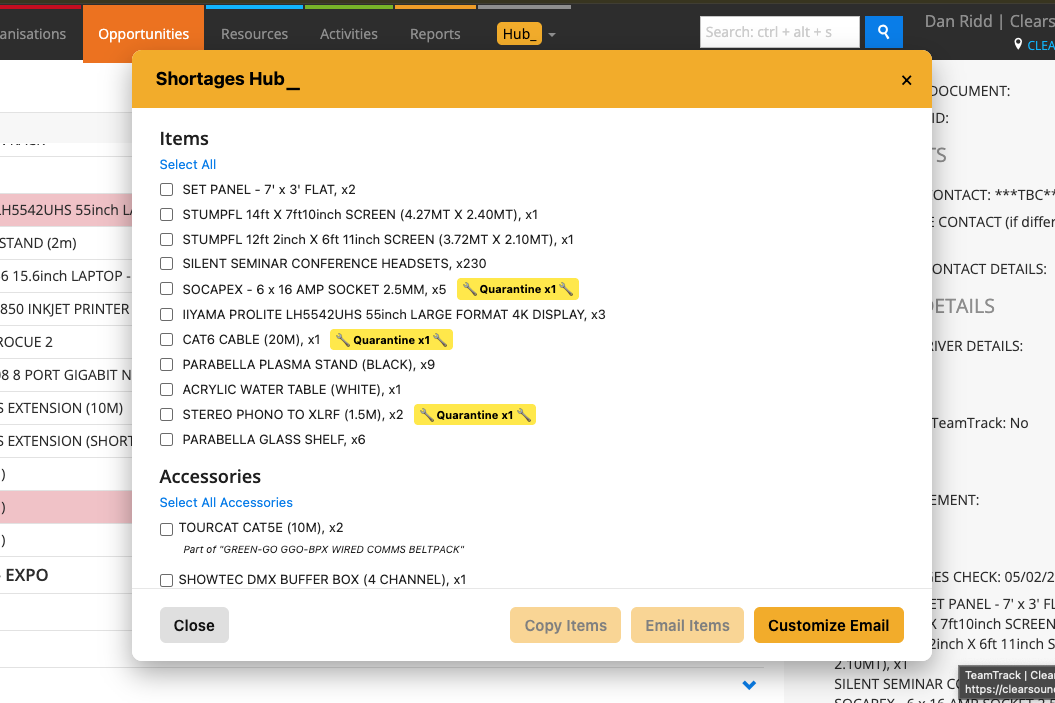
Shortages Hub is designed to give you a clear list of any item shortages on a job, so you can check what’s short and organise extra kit with suppliers. It will also show any items that are short because they’re in quarantine, so you don’t miss anything that’s unavailable.
How it works:
Shortages Hub checks your Opportunity’s kit list and shows exactly what’s in short supply.
It includes any items affected by quarantine, so you see the real availability.
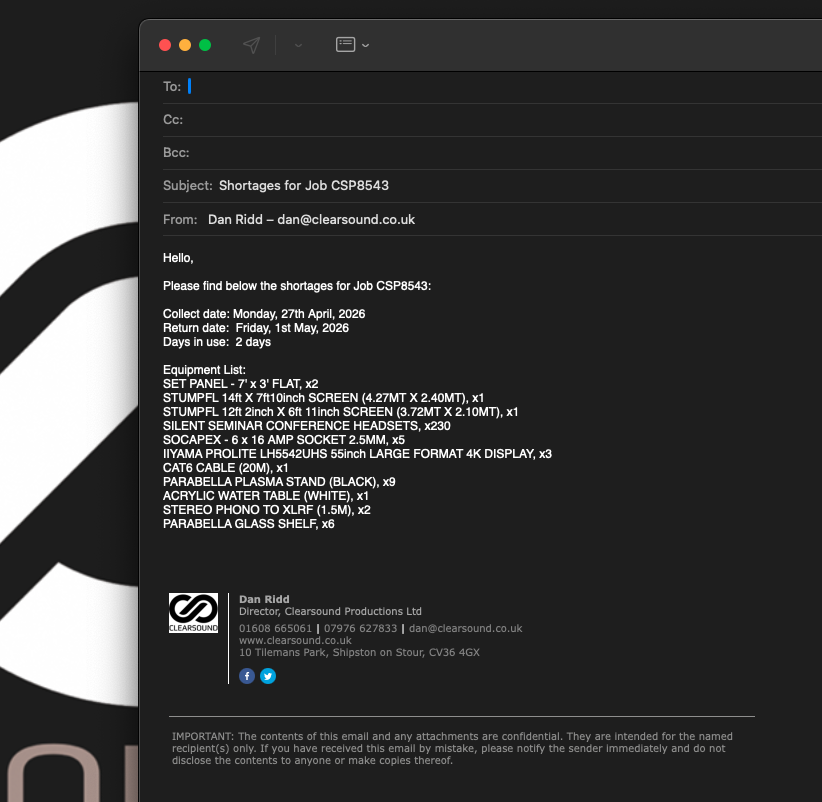
You can select items and copy the list or create an email request for suppliers — with sensible collection and return dates automatically applied.
To use it:
Make sure your Availability Period is set to Hour.
Open the Opportunity.
Look under the Actions section and click Shortages Hub.
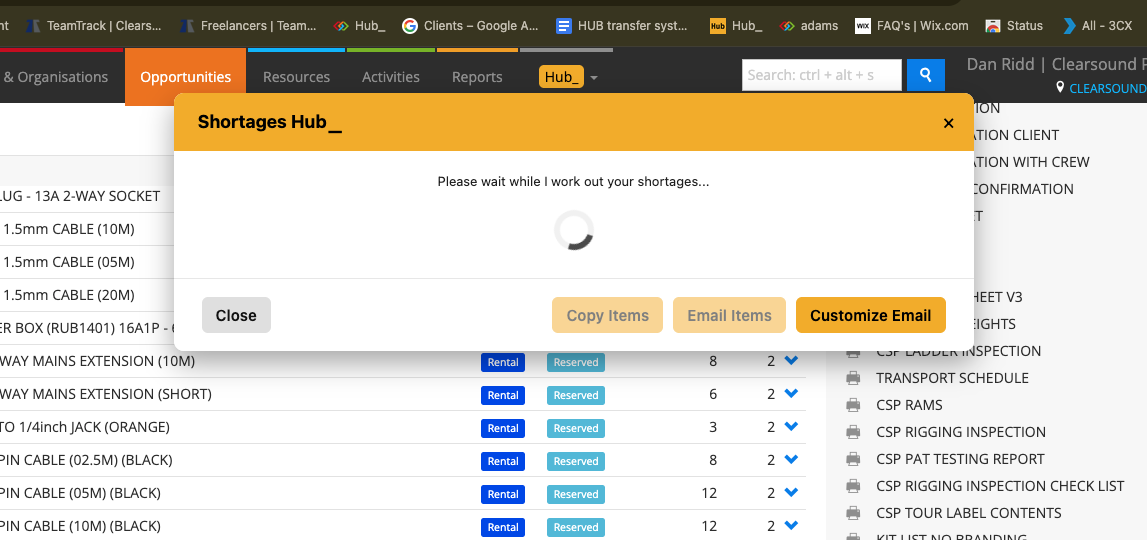
Wait a moment while it checks your availability.
A pop-up will show any shortages — including items in quarantine.
Select the items you want to copy or email, then choose to copy the list or create an email request directly.
When you create an email, Shortages Hubautomatically sets sensible collection and return dates for you:
The collection date is normally set for the day before your job’s delivery — but weekends are excluded. So if your delivery is on a Saturday, Sunday, or first thing Monday, the collection date automatically moves back to Friday.
The return date is normally set for the same day your kit is collected back in — unless it’s late afternoon, in which case it’s set for the next day. If it comes back late Friday, Saturday, or Sunday, the return date moves forward to Monday.
💡 Why it’s useful:
Shortages Hub saves you time — you can deal with shortages quickly, automatically build supplier requests with the right dates, and keep your job on track.