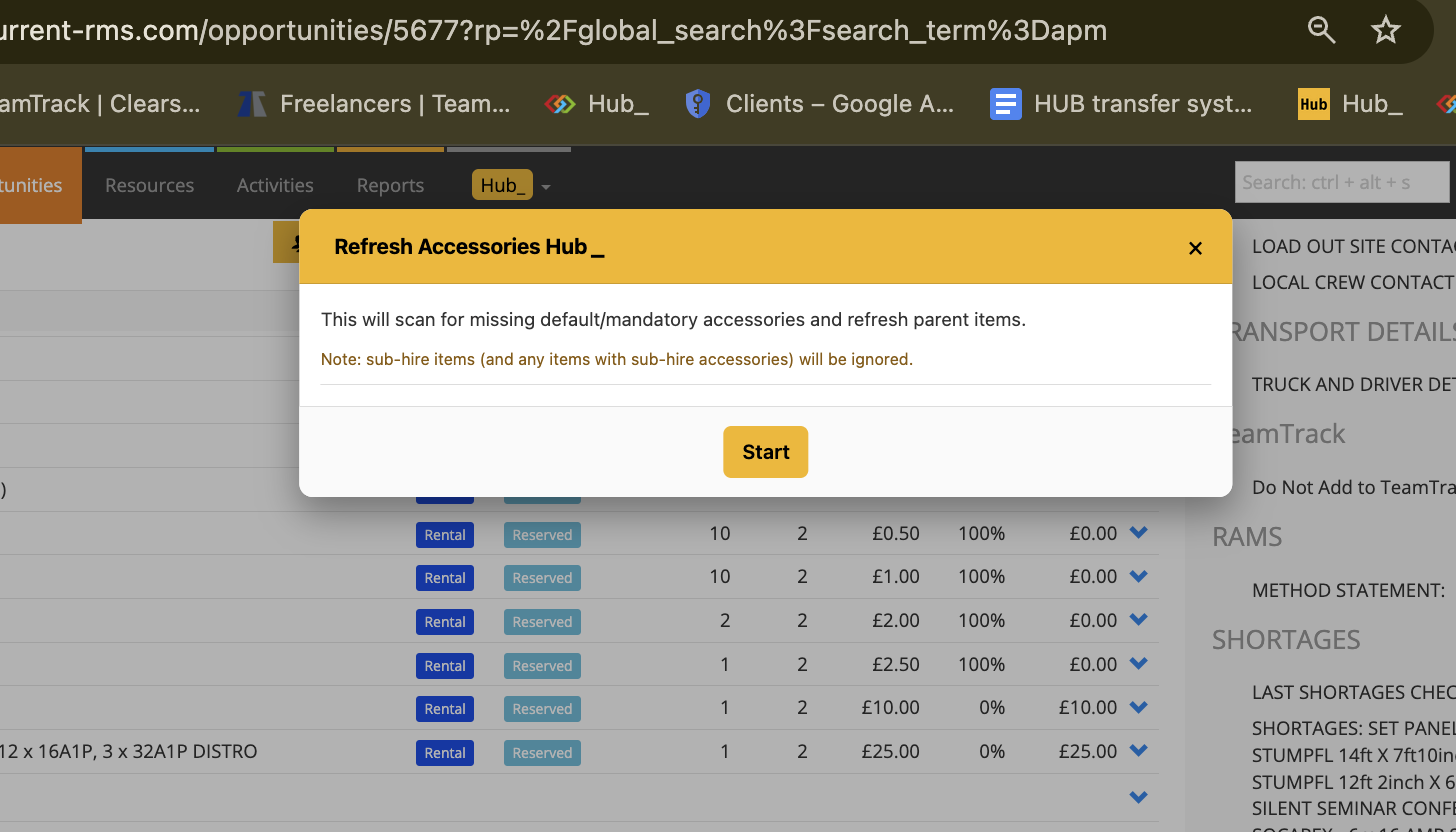
Refresh Accessories Hub_
Designed to safely fix missing default and mandatory accessories on a job. It scans your Opportunity, shows you exactly what’s missing, and lets you put accessories back without losing prices, discounts, notes, chargeable days, or item order.
It’s ideal for cleaning up jobs where accessories have been removed, edited, or broken over time , while keeping full control over what gets restored.
How it works:
Refresh Accessories Hub scans the Opportunity and checks each item against its default and mandatory accessories, including nested defaults.
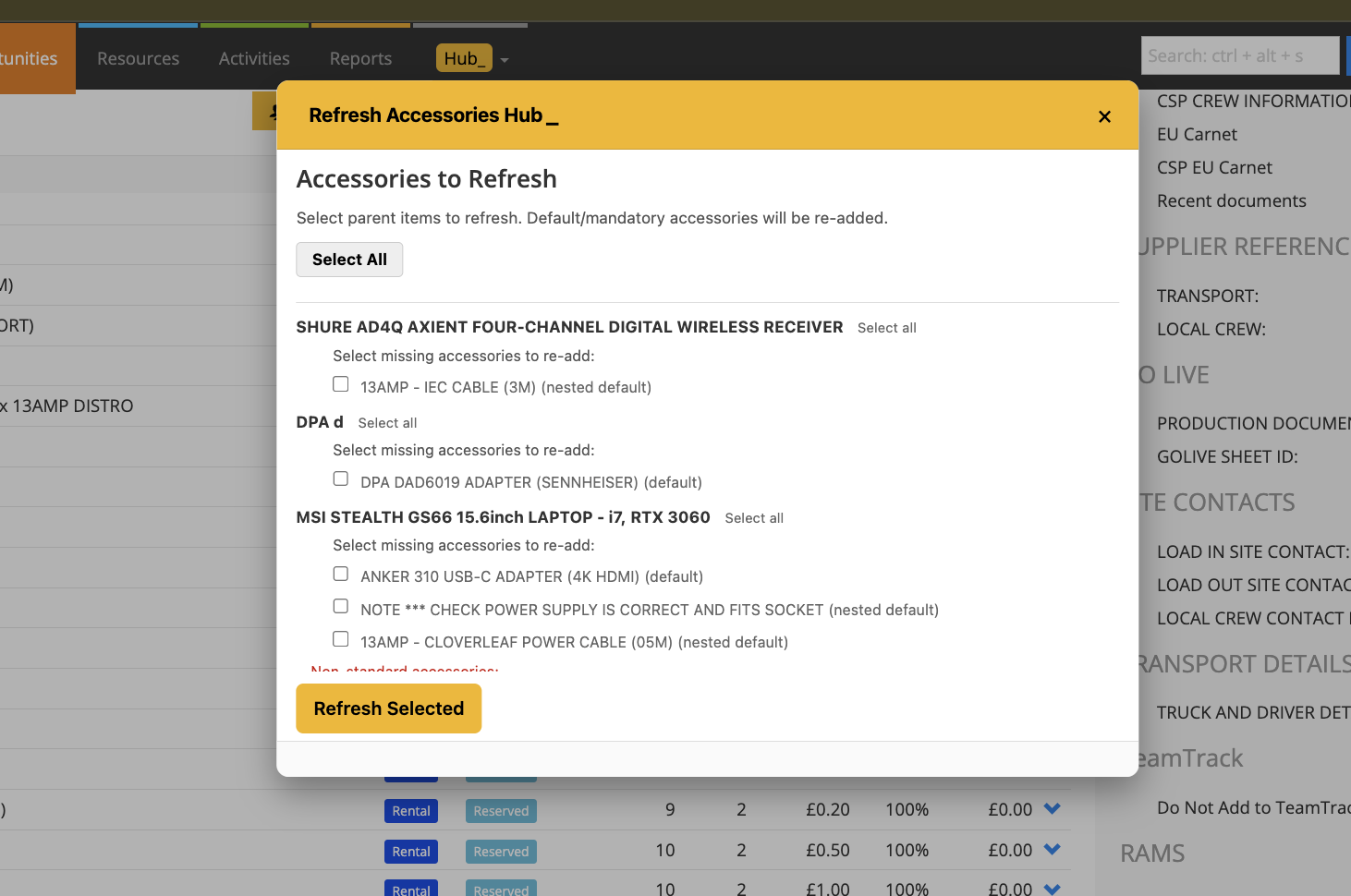
It shows you exactly which accessories are missing for each item.
Non-standard (manually added) accessories are listed separately, so you can choose whether to keep them.
Any items or accessory chains marked as Sub-Hire are skipped for safety and clearly listed as ignored.
When you refresh, the hub rebuilds the parent item so accessories return correctly, then restores all original pricing, discounts, descriptions, chargeable days, and ordering.
To use it:
Open the Opportunity.
Look under the Actions section and click Refresh Accessories Hub.
Wait a moment while the Opportunity is scanned.
A pop-up will list items with missing accessories.
Tick only the accessories you want to re-add.
(Optional) Leave Keep non-standard accessories checked to retain your custom extras.
Click Refresh Selected.
When the process completes, click Complete.
💡 Why it’s useful:
Refresh Accessories Hub fixes missing default accessories safely. You stay in control ,nothing is re-added unless you choose it. Prices, discounts, descriptions, chargeable days, and ordering are preserved. Items return with accessories correctly grouped and in the right place.