Hubi_
Turn a rough equipment brief into a reviewable kit list matched against your Current inventory.
Hubi uses the configured OpenAI connection and cached stock list to interpret requests, suggest inventory matches and show items that could not be matched. You review the selections before inserting anything into an Opportunity.
What It Does
Builds a kit list from plain-language client requests, including quantities and suggested inventory matches
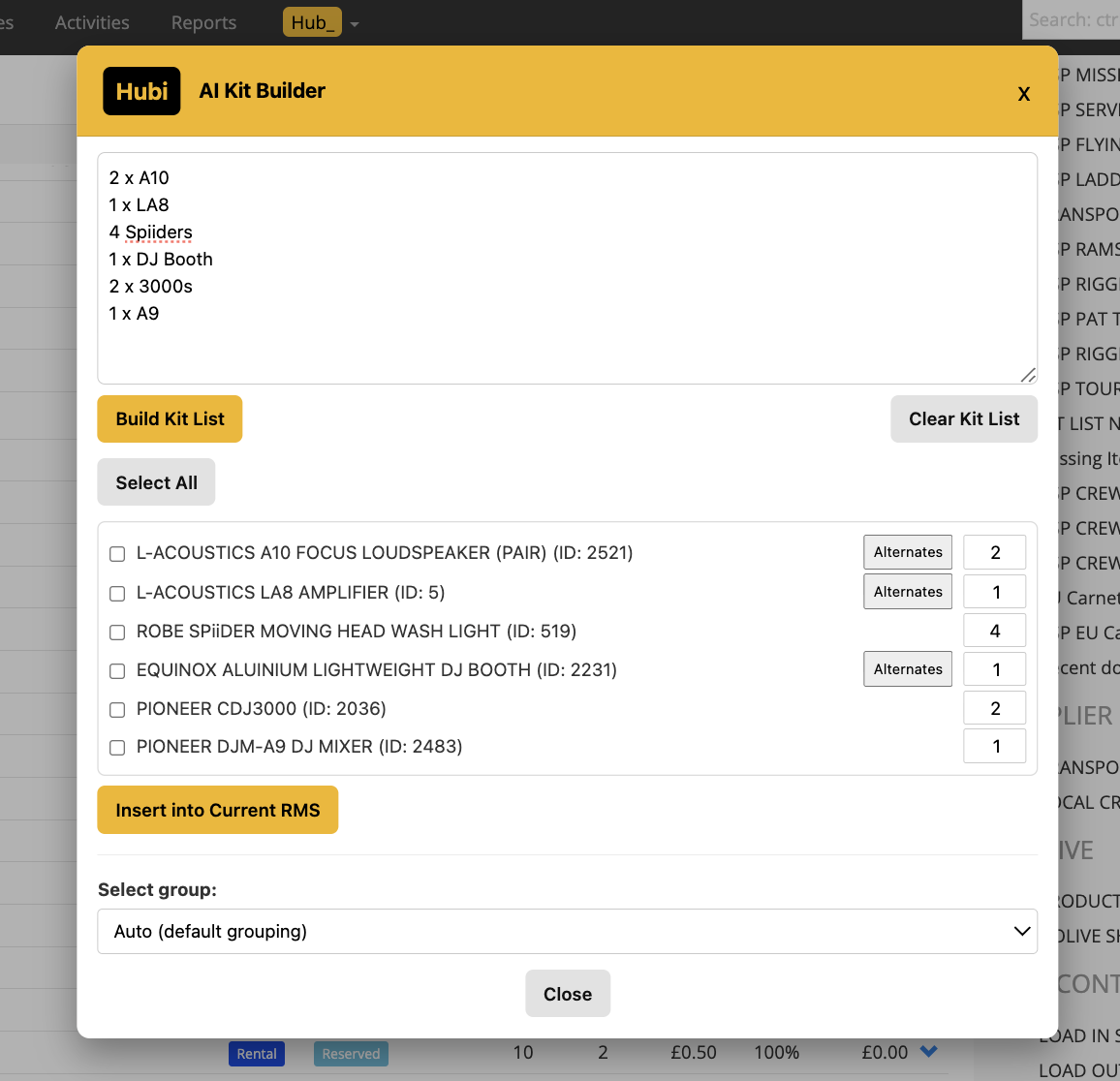
Shows alternate matches and unmatched items separately for review
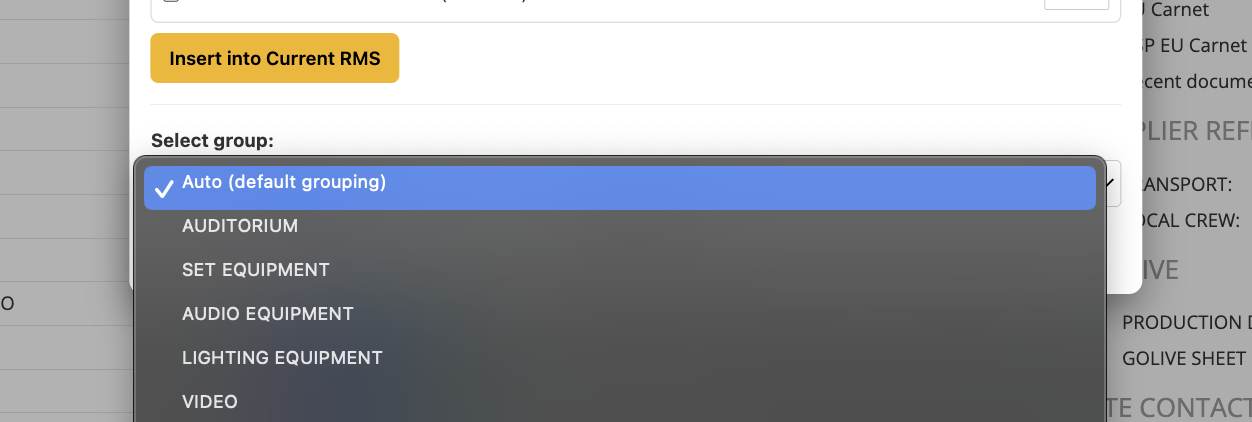
Lets you change quantities, deselect items and choose an existing group or create a new one before insertion
Provides Check Availability for an availability question using Current booking data
Uses the shared Hubi model setting across its enabled modules
Related Hubi controls can research product fields, generate group descriptions, find suppliers and research rental prices, with review controls before saving results
Shortages Hubi can read a supplier quote, match its lines to open shortages and review supplier allocations and costs before applying them
Requires Hub Pro and a configured OpenAI API key for the AI functions; the stock list can be refreshed from Hub Settings
How To Use It
Enable Hubi in Hub Settings, enter the OpenAI API key and choose the Hubi model. Use Fetch Hubi Stock List to load or refresh the inventory used for matching.
Open the Opportunity and launch Hubi from the Hub actions.
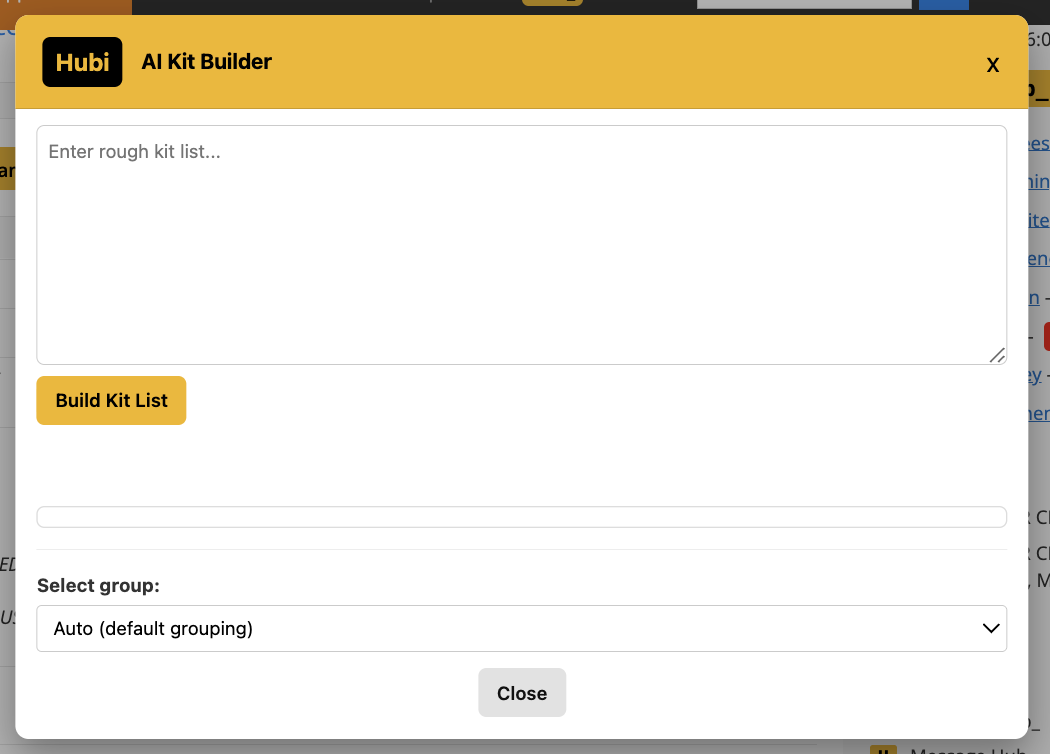
Paste the equipment request and select Build Kit List.
Review every product match and quantity. Choose Alternates where needed, and resolve unmatched items separately.
Choose the destination group or create a new group, then select the items that should be added.
Select Insert into Current RMS and check the inserted lines after processing completes.
For an availability question, enter the request and select Check Availability. For a related research or description module, review the returned information and use its explicit fill or save controls only for the results you want.
💡 Why it’s useful:
Hubi reduces the searching and retyping involved in an unstructured client brief. Inventory matches, alternatives and unmatched lines stay visible so the user can check the proposed list before committing it to the job.