Purchase Hub_
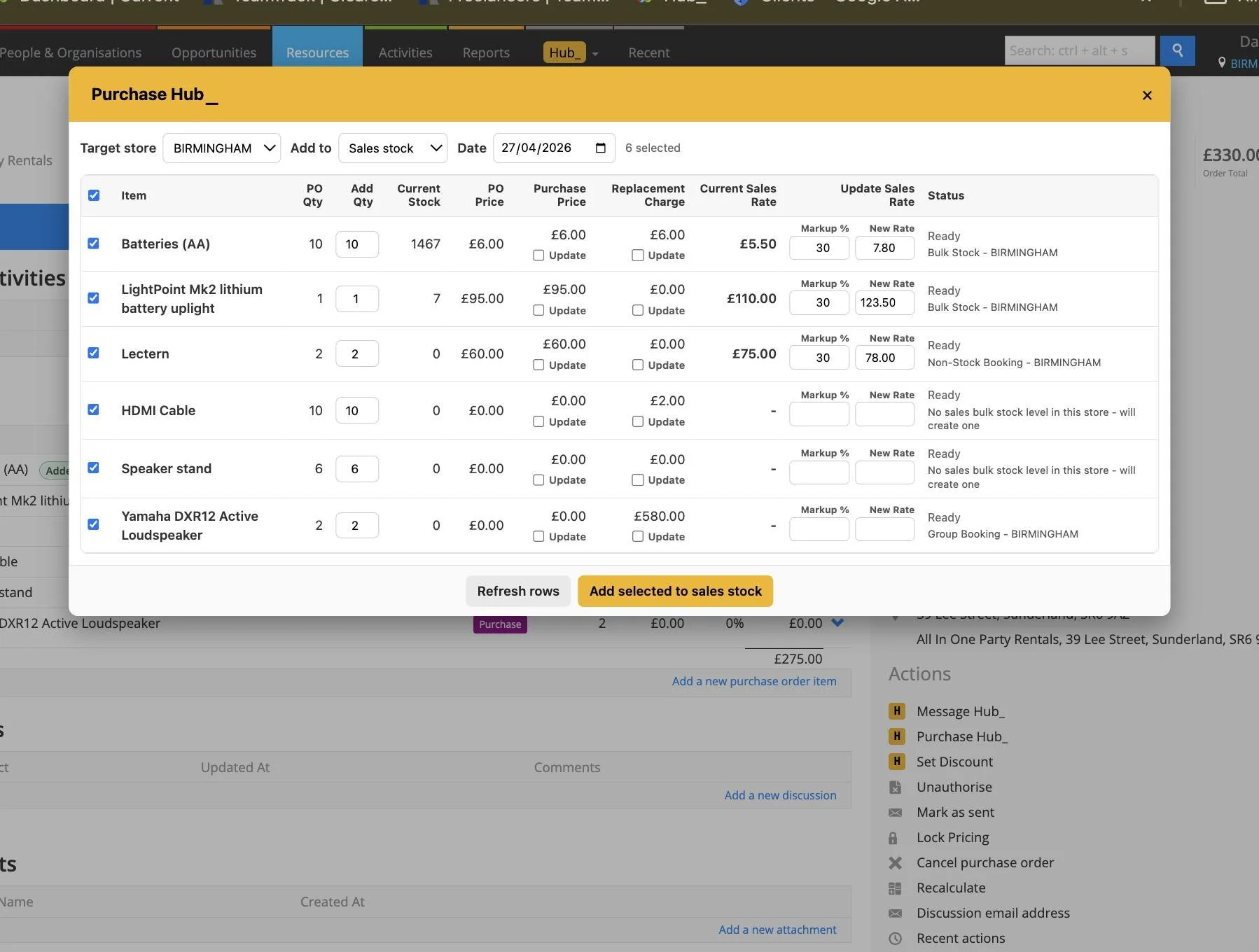
Add Purchase Order items to stock with control over the store, stock type, quantities, prices and labels.
Purchase Hub opens from a Purchase Order and supports both bulk and serialised stock. Review each selected row before processing, then check the result of the stock and optional price updates separately.
What It Does
Selects the target store, sales or rental stock, and stock transaction date
Shows PO quantity, Add Qty, current stock, PO price, Purchase Price, Replacement Charge and current rate
Processes selected bulk-stock quantities and creates serialised stock with individual asset numbers
Can step asset numbers from the last number or a custom start, add serial numbers and copy a location across serialised rows
Allows optional Purchase Price and Replacement Charge updates from the PO price, plus a rate update using the selected New Rate or markup
Skips stock quantities for non-stock items while handling the selected applicable price updates
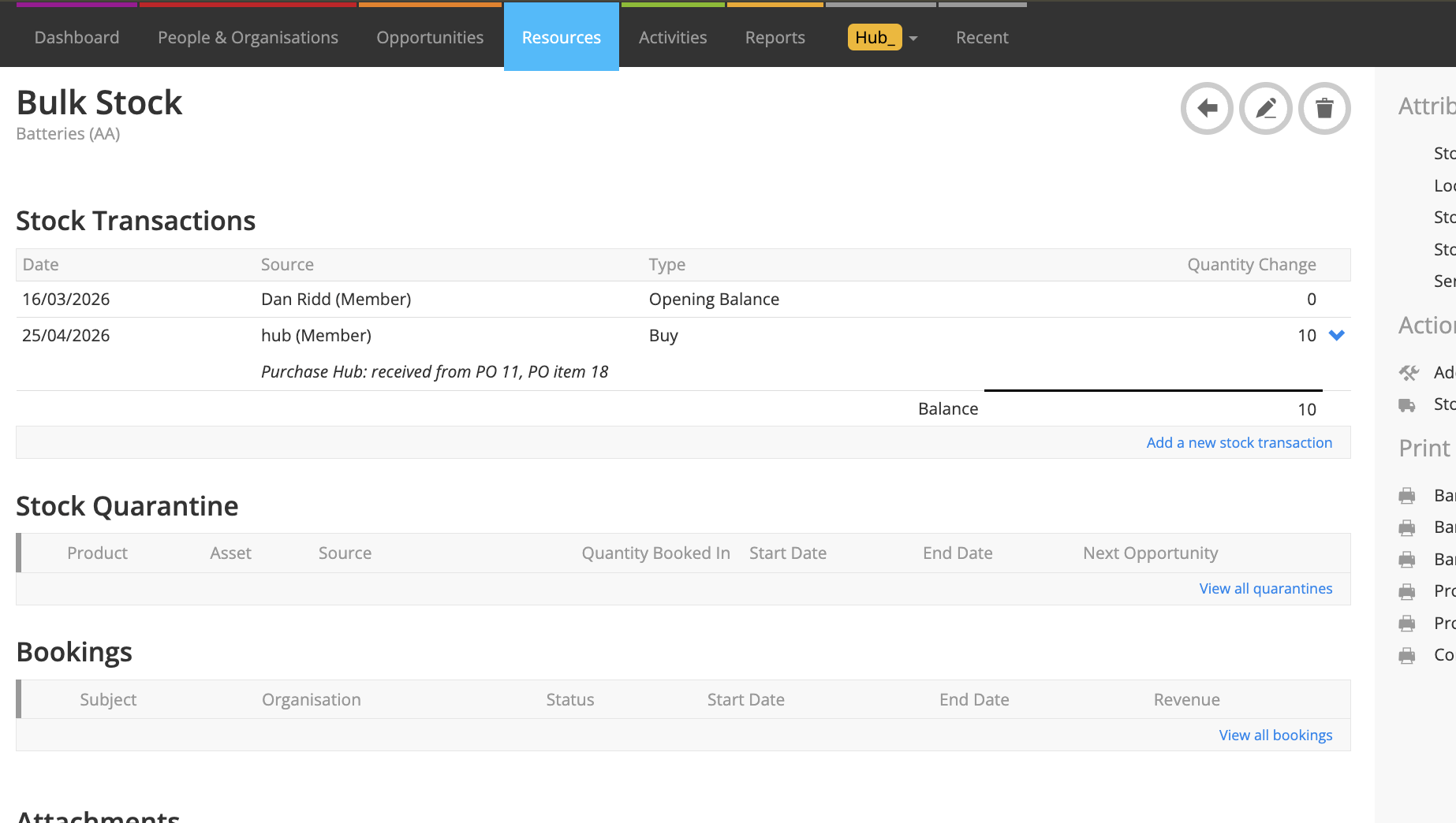
Warns when Add Qty exceeds the PO quantity and records successful additions against the PO items
Print barcodes offers barcode or QR labels, label dimensions, top text and selected quantities; missing barcode values can be added
How To Use It
Open the Purchase Order and launch Purchase Hub. Select the Target store, Add to stock type and Date.
Tick the required Purchase items and check Add Qty against the delivered quantity and any stock already added.
Review the current values and select only the Purchase Price, Replacement Charge or rate updates you want. Set the intended markup or New Rate when updating a rate.
Select Add selected to the chosen stock type. If a higher-than-PO quantity warning appears, check the quantities before confirming.
For serialised stock, review every asset number, optional serial number and location. Use stepping or a custom start if appropriate, then select Create serialised stock.
Wait for processing and review each row’s status. A price update can fail even when the stock was added, so check the separate results before repeating an action.
Use Print barcodes to select the labels, code type, dimensions and quantities, then select Print selected.
Use Refresh rows and check the PO’s added-to-stock markers before adding any further delivery quantities.
💡 Why it’s useful:
Purchase Hub brings receiving, stock creation and product value updates into one review. Serialised entry and label printing reduce repeated work, while row-by-row results make it clear which changes completed.