Mandatory Hub_
Check that important Opportunity information is completed before the form is saved.
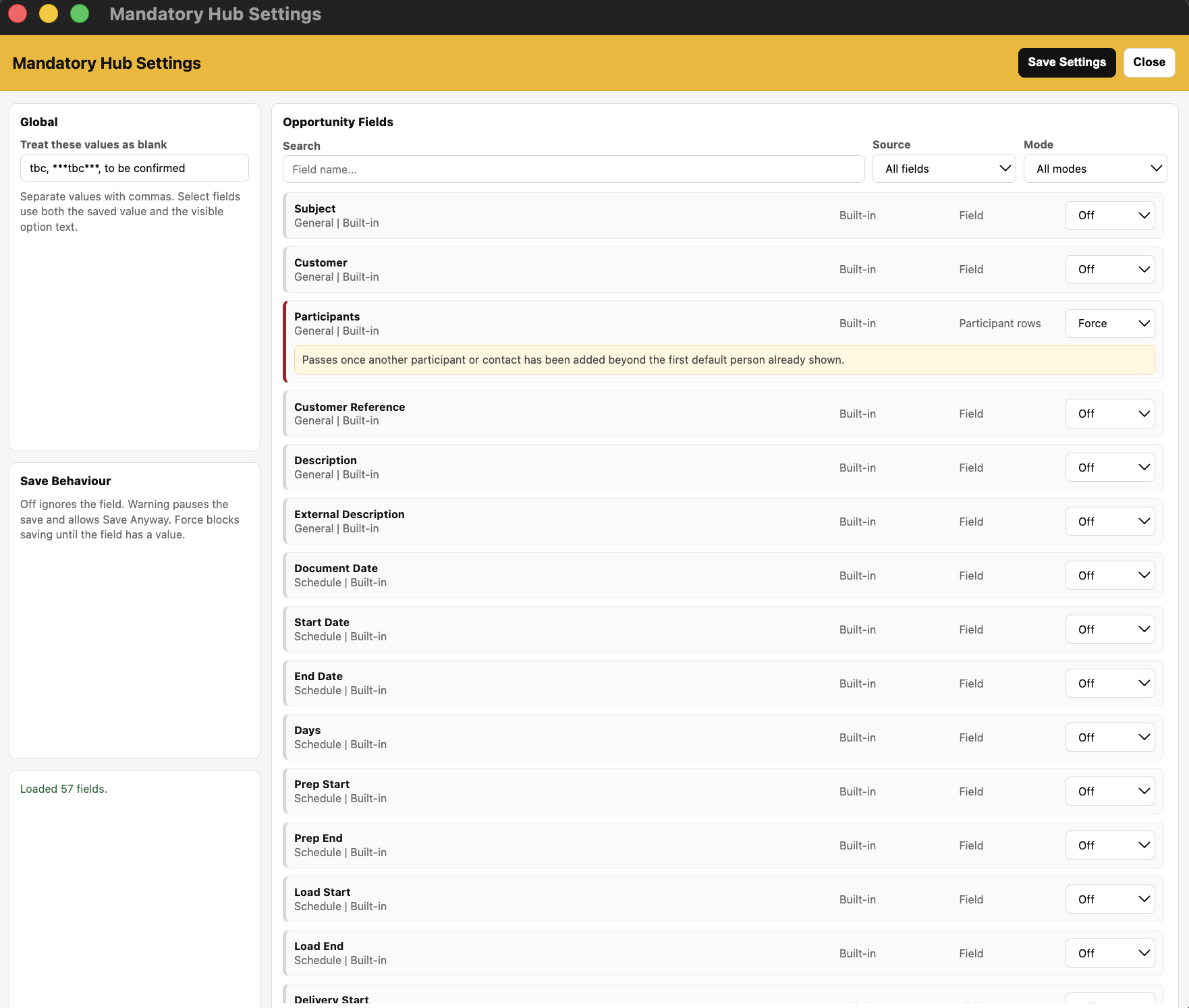
Mandatory Hub lets administrators choose checks for built-in Current fields and custom fields. Each field has its own Off, Warning or Force mode, so the same form can combine reminders with compulsory requirements.
What It Does
Checks configured fields when a new or edited Opportunity is saved
Works with supported built-in fields and Current custom fields
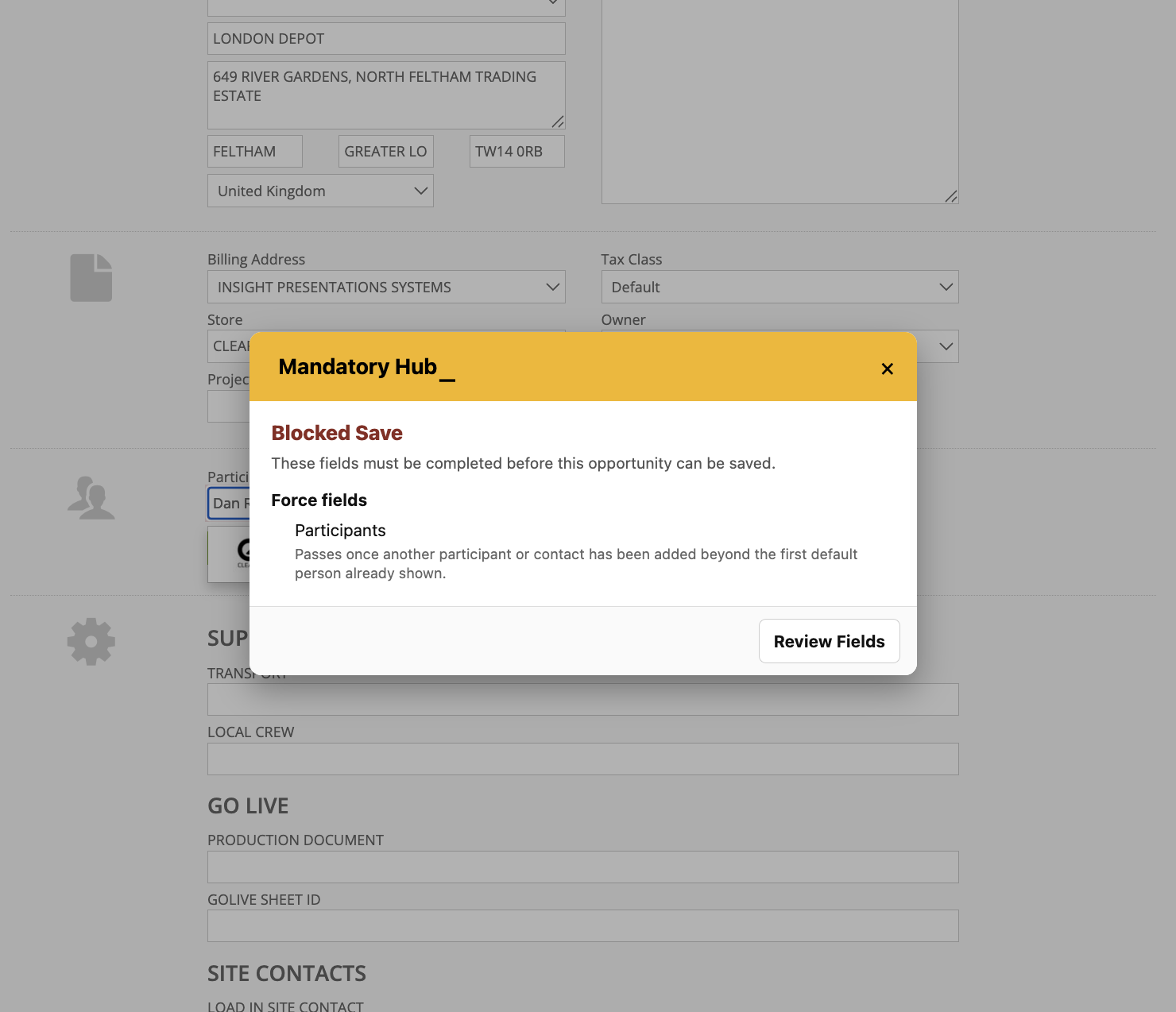
Off ignores a field; Warning pauses the save and permits Save Anyway; Force blocks the save until the field is completed
Lists the missing fields and provides Review Fields to help the user return to them
Lets administrators define placeholder text that should count as blank, such as tbc, ***tbc*** and to be confirmed
Provides setting search and filters for built-in or custom fields and the selected mode
Uses shared settings saved through Mandatory Hub Settings; the module requires Hub Pro
How To Use It
Enable Mandatory Hub in Hub Settings and open Mandatory Hub Settings.
Search the available Opportunity fields or filter them by source and mode.
Choose Off, Warning or Force for each required check. Read any field-specific instruction shown in the settings.
Review Treat these values as blank and add the placeholder wording your team uses. Select Save Settings.
Create or edit an Opportunity and save it normally. If a check fails, use Review Fields and complete the missing information.
Use Save Anyway only when the dialog permits it. A Force requirement must be completed before the save can continue.
💡 Why it’s useful:
Field-by-field rules help capture reliable job information without making every omission a hard stop. The team can distinguish a useful reminder from a requirement that must be completed.