Settings Hub_
Settings Hub provides a secure, central place to manage the Current RMS connection, Hub Pro licence, organisation settings, and individual user rules.
Setting up Settings Hub
Settings Hub must be configured before organisation policies can be managed.
To set up Settings Hub
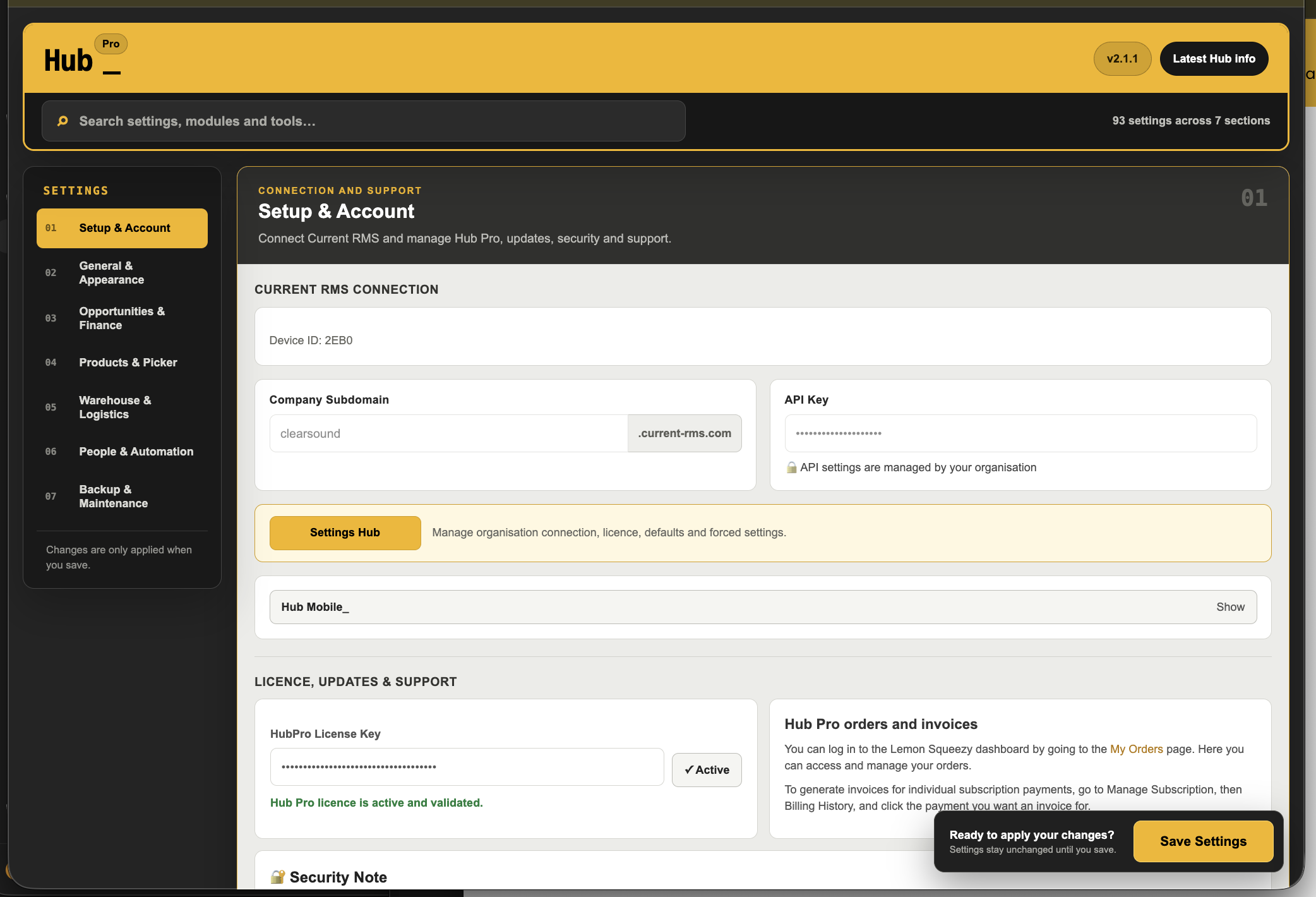
• Open Hub Settings
• Go to Setup & Account
• Select Settings Hub
• Confirm the company subdomain and Current RMS API key
• Enter the optional Hub Pro licence key if required
• Select Connect and load Settings Hub
• If older policies are detected, select Import existing policies or Start with no policies
• Create and confirm a Settings Hub password
• Select Create protected Settings Hub
Organisation settings
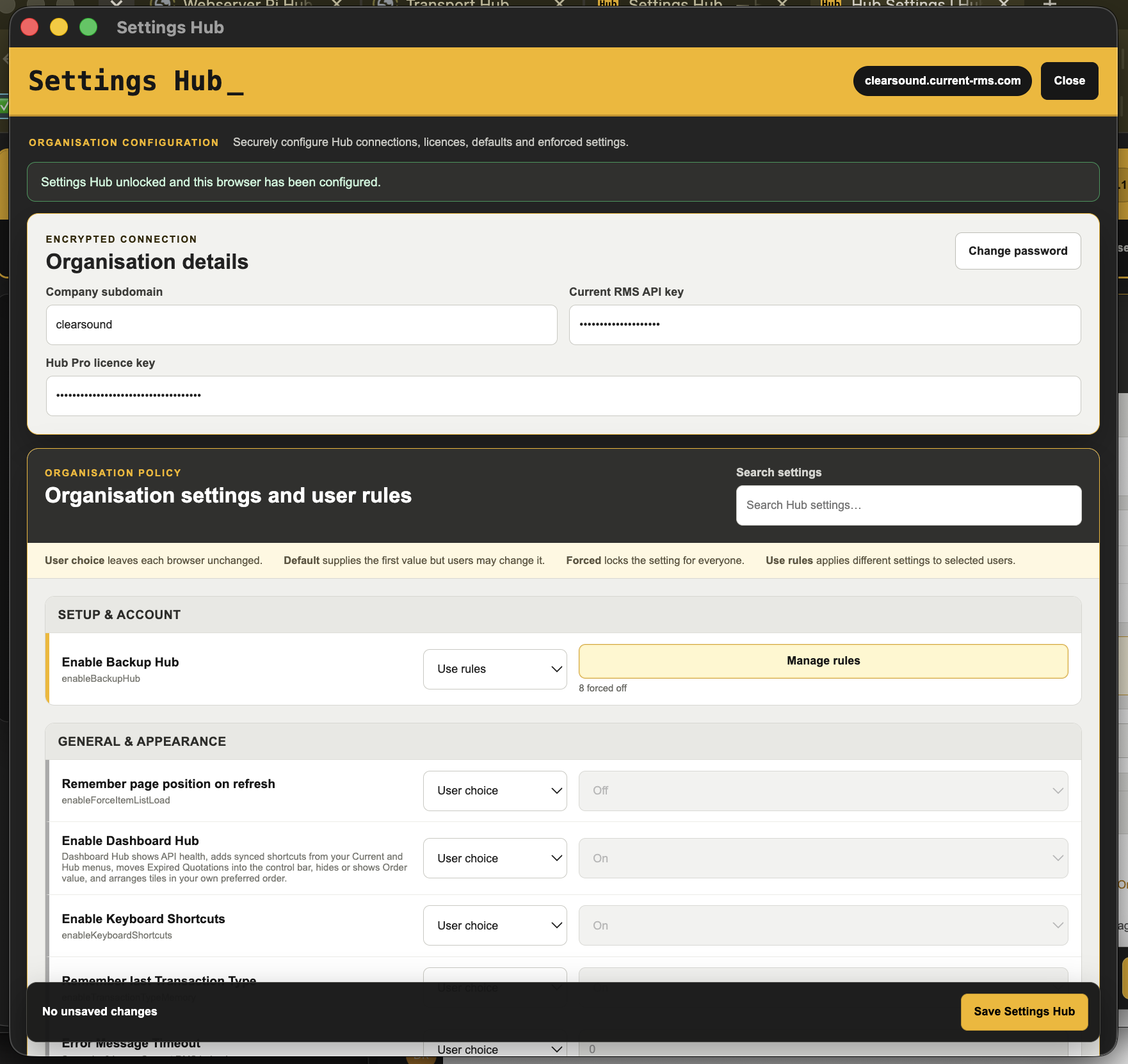
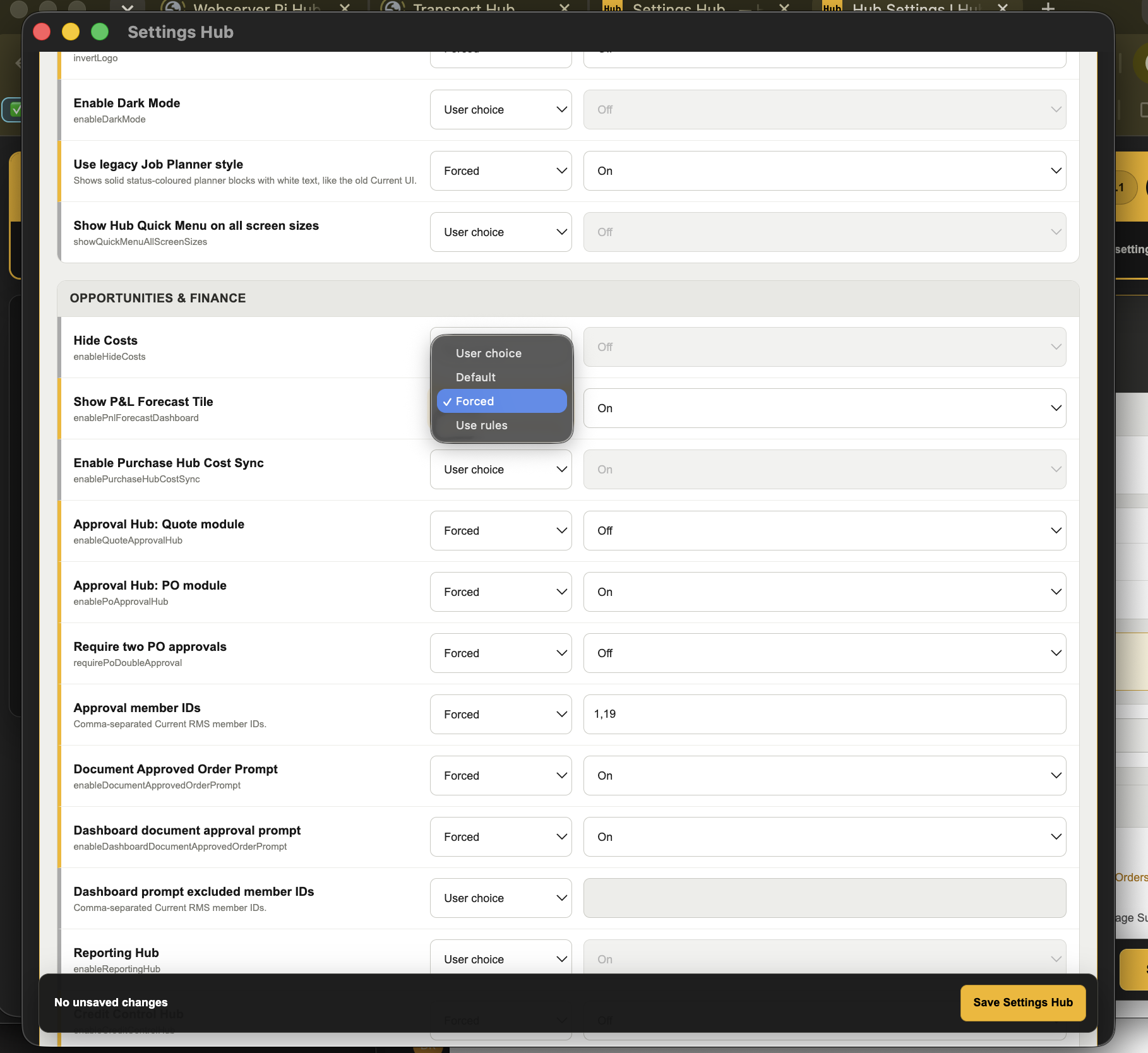
Each setting can remain under the user’s control, receive a suggested value, be locked for everyone, or use different rules for selected users.
Setting options
• User choice leaves each browser’s setting unchanged
• Default supplies the first value, but users may change it
• Forced applies the selected value and locks the setting for everyone
• Use rules applies different settings to selected Current RMS users
To manage an organisation setting
• Open Settings Hub
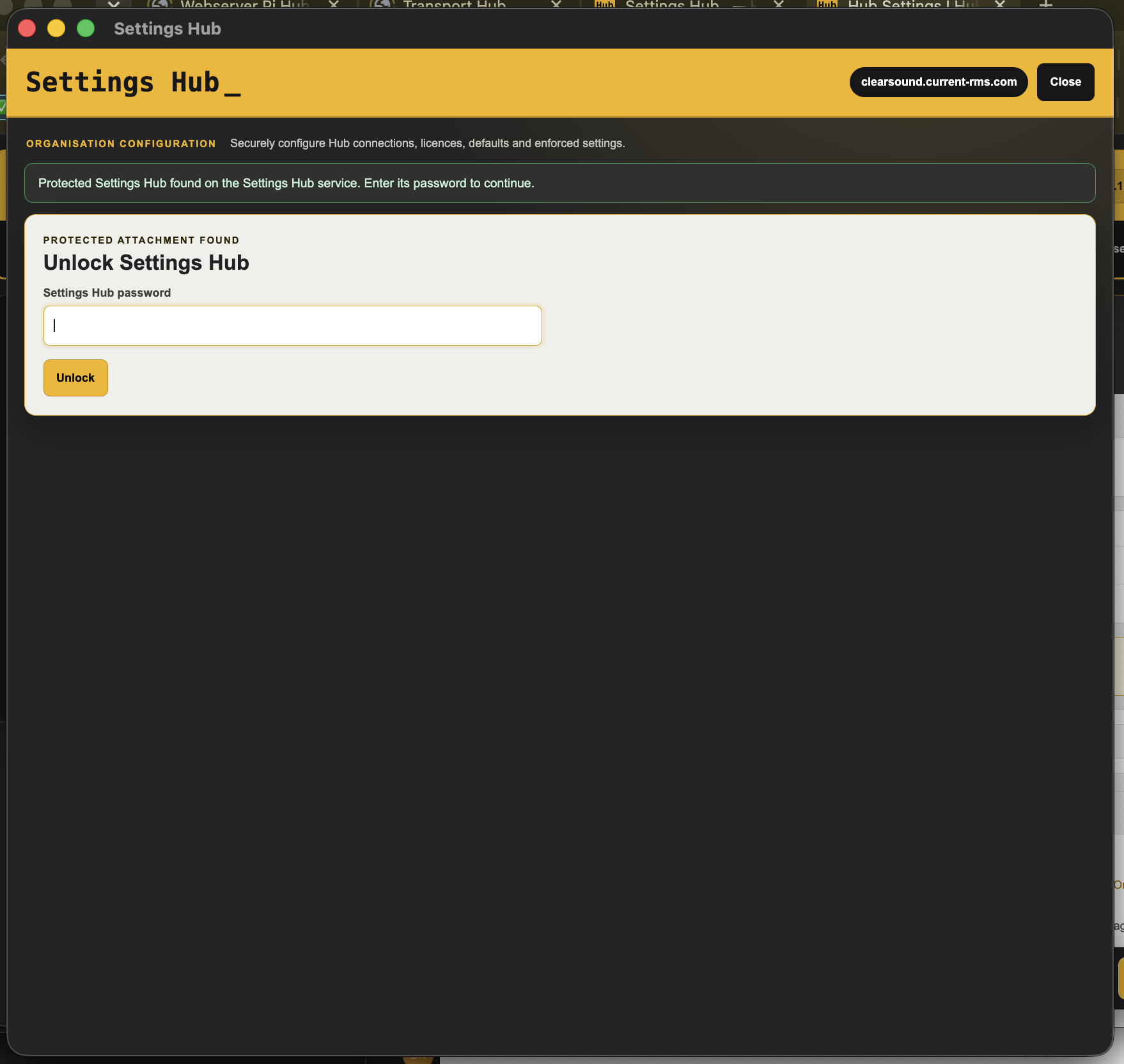
• Enter the Settings Hub password and select Unlock
• Search for the required setting
• Choose User choice, Default, Forced, or Use rules
• Select the required value when using Default or Forced
• Select Save Settings Hub
User rules
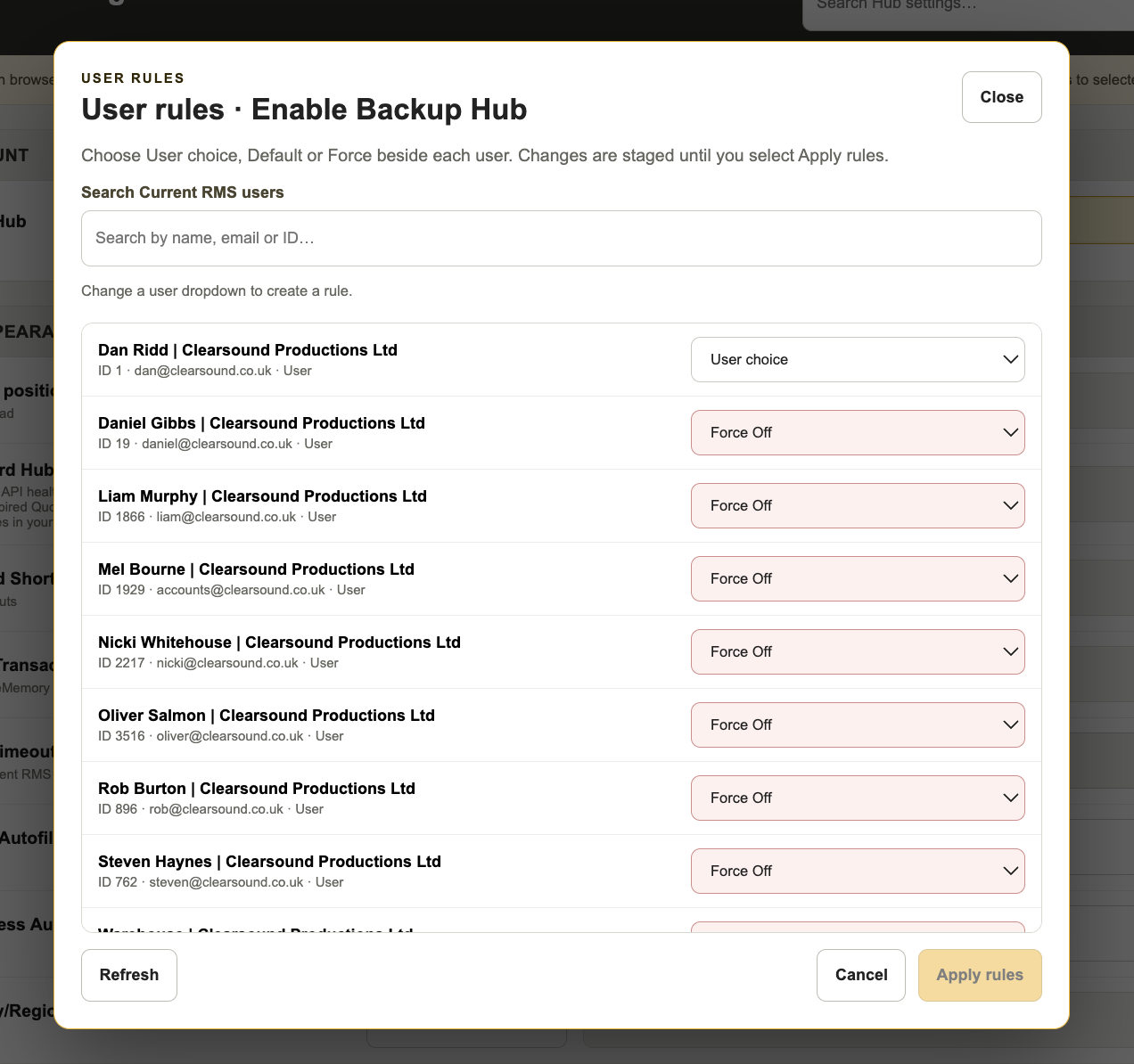
User rules allow the same setting to behave differently for selected Current RMS users.
How it works
• User choice leaves the setting under that user’s control
• Default On or Default Off supplies a value that the user may change
• Force On or Force Off applies and locks the value for that user
• Settings with other value types provide Default value and Force value
• Users without a specific rule remain under User choice
To create user rules
• Select Use rules beside the required setting
• The User rules window will open automatically
• Search for a user by name, email address, or Current RMS ID
• Choose the required rule beside each user
• Select Apply rules
• Select Save Settings Hub
💡 Why it’s useful:
Settings Hub allows administrators to manage organisation defaults, locked settings, and individual user rules from one place without configuring every user’s browser separately.